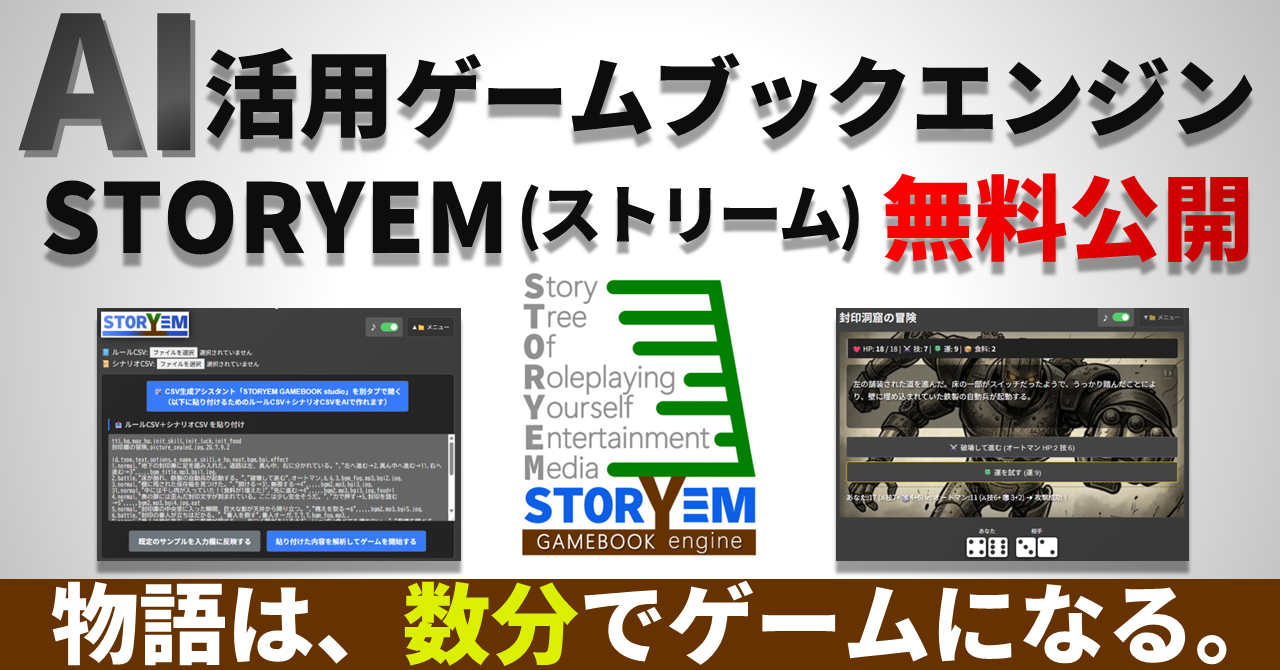
STORYEM
Gamebook Creation & Execution Engine for the AI Era
"What if the story you imagined became a game on the spot?"
STORYEM is a tool that revives the world of choose-your-own-adventure "gamebooks" using the power of the latest AI.
【Introduction】
No programming knowledge is required. With the Studio function that supports dialogue with ChatGPT or Gemini, anyone can create their own gamebook in "just a few minutes."
For those who can use Excel, it is also possible to create large-scale masterpieces with up to 2,000 paragraphs. Once uploaded to a web server, the possibilities are endless: tourism guides, in-house training, educational materials, quizzes, cinematic novels, and more. This engine, which is free to modify and use commercially, is now available as a complete set.
① Play the Built-in Sample Game in 30 Seconds!
Let's play first without any complicated theories!
- Download and Extract: Download storyem.
- Launch: Open
index.htmlin the folder using a browser like Chrome or Firefox. - Reflect Sample: Click "Load the Built-In Sample" from the "▼📁 menu" in the top right.
- Start: Once the data is reflected, click "Analyze and Start Game"!
This starts "The Sealed Warehouse." This sample is stored inside index.html and can be retrieved at any time.
File Structure
The only thing you need is index.html, which is less than 100KB. No external libraries or server connections are required. It even works offline. We don't use measurement tags and don't display ads.
② Try Rewriting the World a Little
The true identity of STORYEM is "CSV (Comma-Separated Values)". Try rewriting the title or text in the input field within the "▼📁 menu."
After rewriting, press "Analyze and start game" again. Just by changing the enemy's name to "The Teacher When You Forgot Your Homework," the atmosphere of the story changes completely.
③ Loading External CSV Files
You can also load your own CSV files from "Select File" at the top of the "▼📁 menu." One game consists of two files: "Rule CSV" and "Scenario CSV."
The included rule.csv and scenario.csv are a full version sample "The Sealed Cave" with images and music.
- Battle: Conducted with 2 dice + Skill points. There is also a chance to increase damage by "Try your Luck."
- Survival: Eat provisions at resting areas to heal your wounds and aim for the ending!
④ Magic Tool: Create Your Own Game with STORYEM Studio
Don't worry if you can't write CSV! By using the included studio_eng.html, you can automatically generate complex instructions (prompts) for AI.
- Enter Overview: Write your idea, for example, "An arcane duel over the last Scotch egg in a rain-slicked pub at closing time."
- Launch AI: Click "Copy Prompt & Launch AI." Choose ChatGPT or Gemini.
- Paste: Paste into the AI chat field with "Ctrl+V" and send!
- Copy CSV: Copy the CSV data generated in a few minutes.
- Reflect: Paste it into the STORYEM engine menu and start!
⑤ Enhance Immersion with Images and Music
AI is also good at suggesting prompts for illustrations.
- Images (bgi): Place in the
imgfolder and specify asimg/filename.pngin the CSV. - Music (bgm): Place in the
bgmfolder and specify asbgm/filename.mp3in the CSV.
⑥ 【Advanced】 Unleash Your Craftsmanship with Excel
- Open the CSV file in a text editor, overwrite it with "UTF-8 with BOM", then open it in Excel and edit.
- After editing and saving in Excel, when reading in STORYEM, it is recommended to overwrite and save with "UTF-8 without BOM" in a text editor.
⑦ Publish to the World via Web Server!
Simply upload the storyem folder to a web server (or GitHub Pages, etc.). If you fix the filenames to rule.csv and scenario.csv and place them in the same hierarchy as index.html, the game will start automatically upon access.
⑧ Copyright and Terms of Use
| Category | Content |
|---|---|
| Engine Body | MIT License: Free to modify and use commercially. Keep the copyright notice. |
| Sample Assets | Rights Reserved: Extraction, secondary distribution, or diversion of assets is prohibited. |
| Credit | Optional: Mentions like "Powered by STORYEM" or links to this repository are appreciated. |
⑨ Infinite Applications
Adventure is not the only game. Tourism guides, learning quizzes, workflow simulators... If you remove branches and use many animated GIFs, it can also be a cinematic novel. Please find the possibilities with your own hands.
Now, hold onto your hope and start writing the first paragraph, "§ 1." Good luck!